
Five screens, in the order you see them.
From typing your website to the monthly report. Each step is one screen of the tool.
- Step 1 of 5
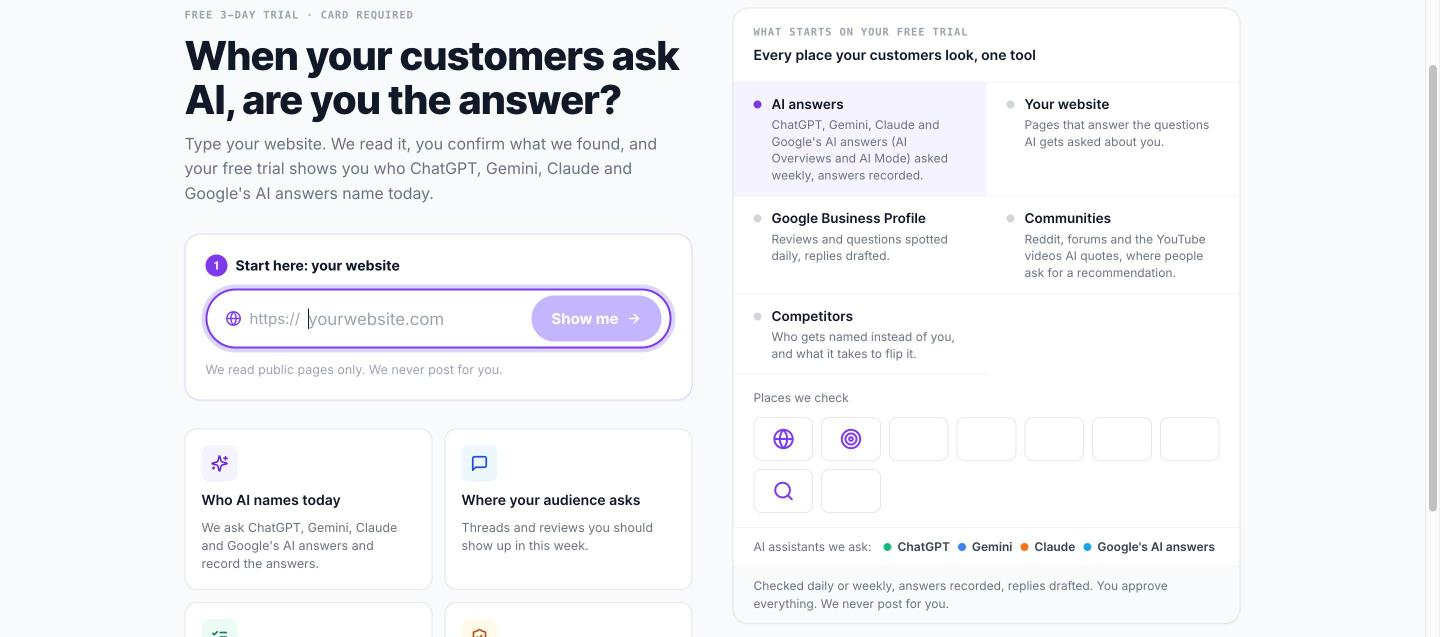
Type your website
The scan: Kapiway reads your pages and works out what you do, where you are and what you sell.
About 20 seconds. You confirm what it found, or fix a line.
- Step 2 of 5
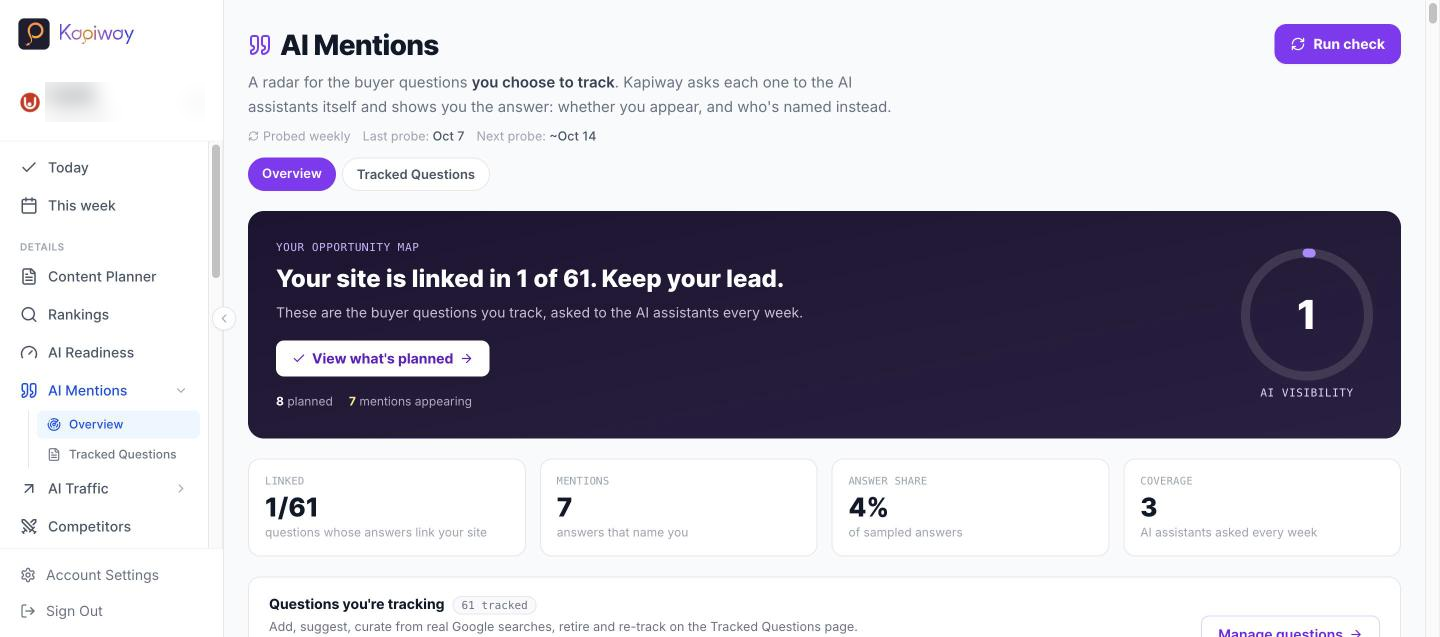
Four live answers
Four of your customers' questions, asked to the AI assistants live, with who got named.
Free to look. This is the moment most owners see a rival's name where theirs should be.
- Step 3 of 5
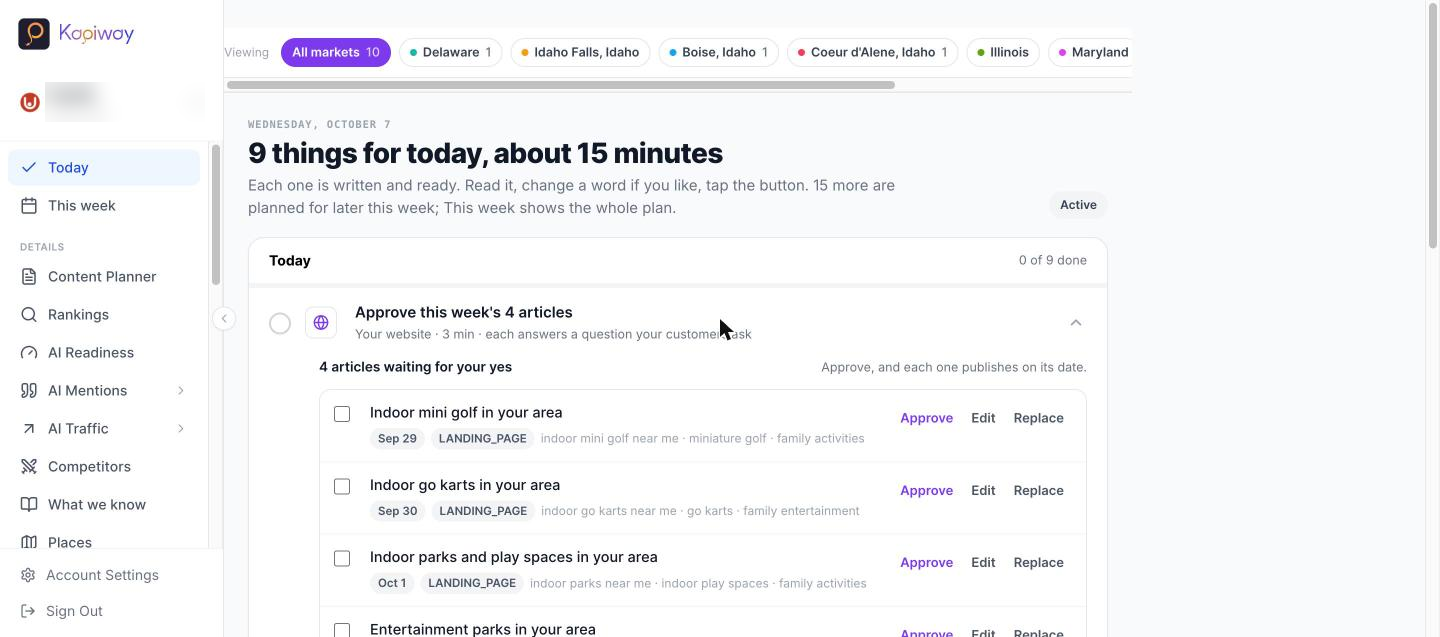
Your 8am list
The morning list: each item says where AI named a rival, why, and the fix, already written.
About ten minutes a day. Pages, review replies, listing fixes and threads to answer yourself.
- Step 4 of 5
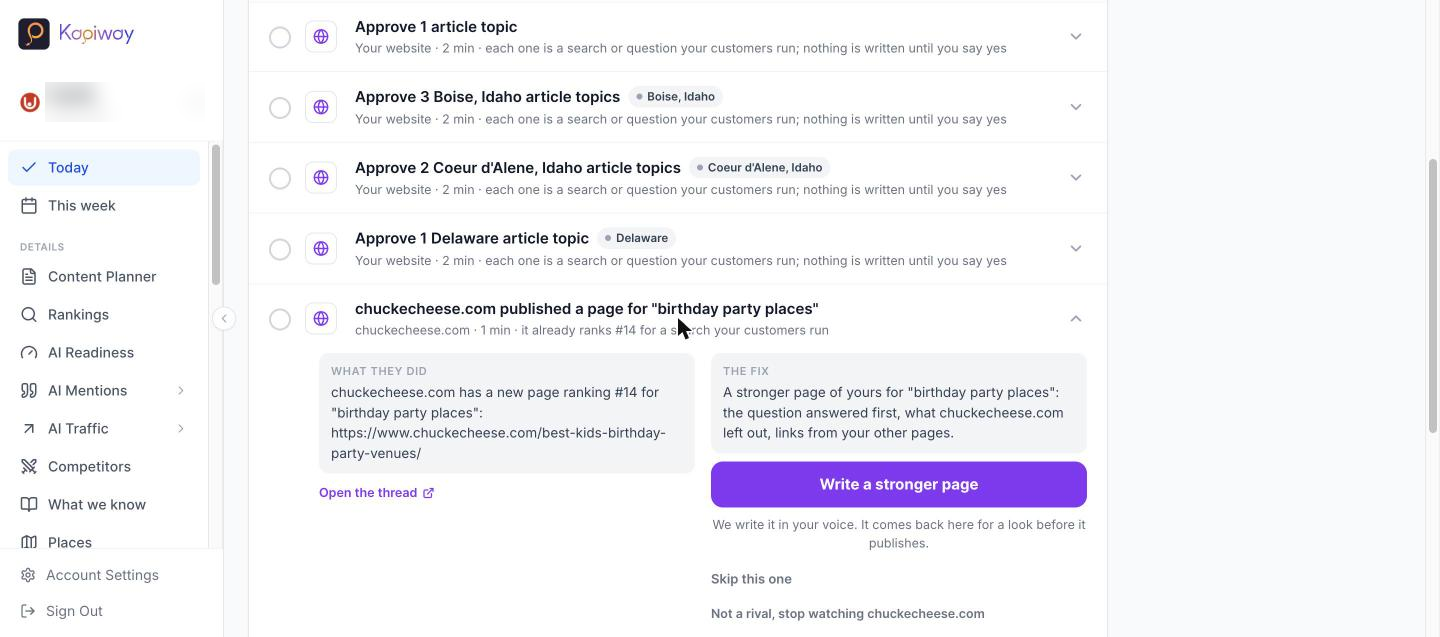
Approve a fix
One task open: what we found, what we prepared, and the Approve button.
Nothing goes live until you say yes. Change a word first if you like.
- Step 5 of 5
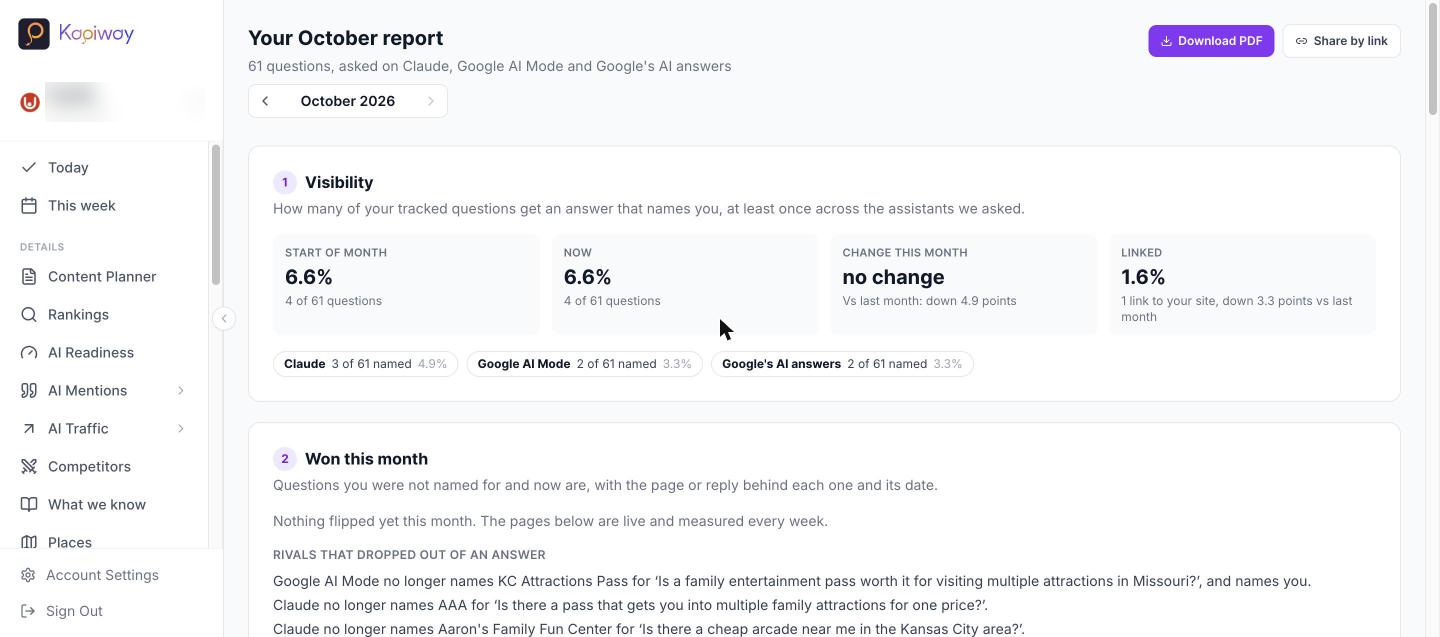
The monthly report
The report: share of voice against rivals, the questions you won, Google positions and visits from your Analytics.
One link to share with a partner or head office, or a PDF.
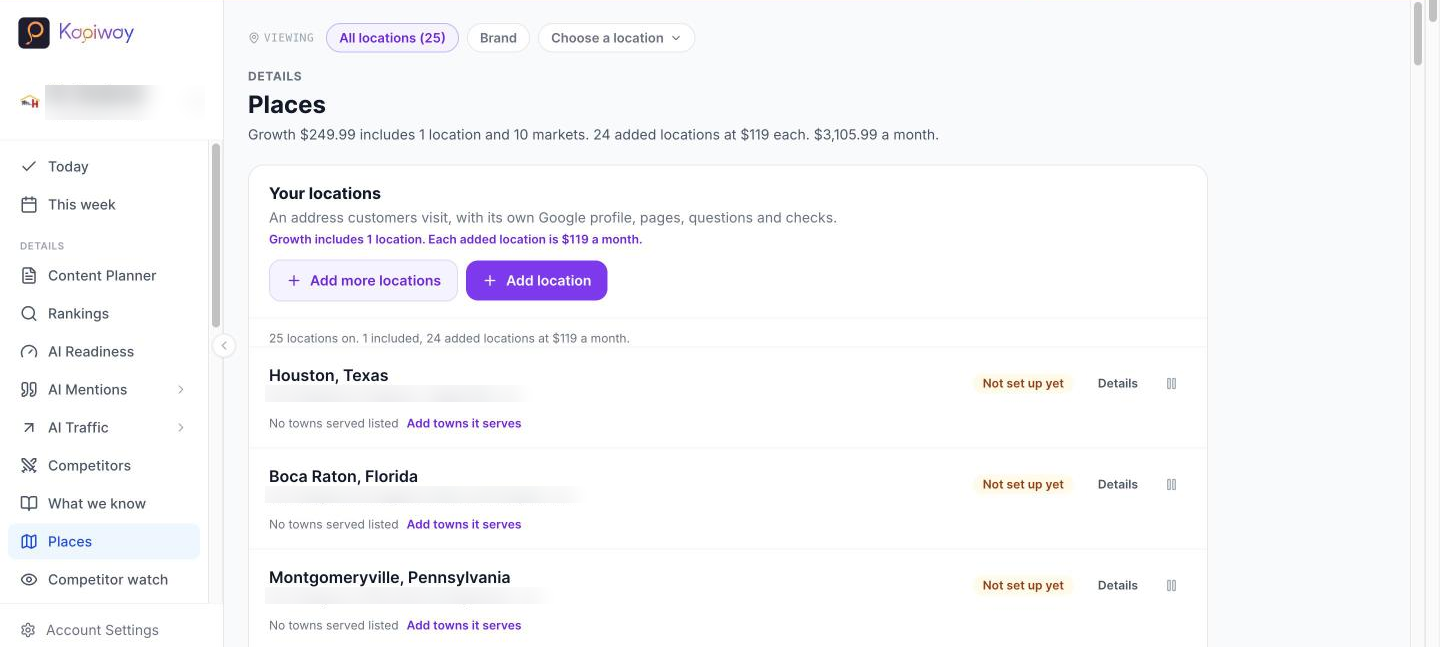
Every location through one lens
The lens: every location in one view, which ones AI names in their own town, which are falling behind, and what is on each list today.
Head office sees all of them. A regional manager sees their region. Each location approves its own list.